No invented facts
No names, dates, decisions, policy claims, or outcomes are added unless the user provided them.
A prototype communication workflow that helps professionals turn messy notes, voice thoughts, and incomplete messages into clear workplace emails and documents. The value is not just writing faster. It is reducing communication friction under pressure.
This is labeled honestly as a prototype. The walkthrough shows the intended product behavior: rough input becomes structured context, then a human-reviewed professional output.
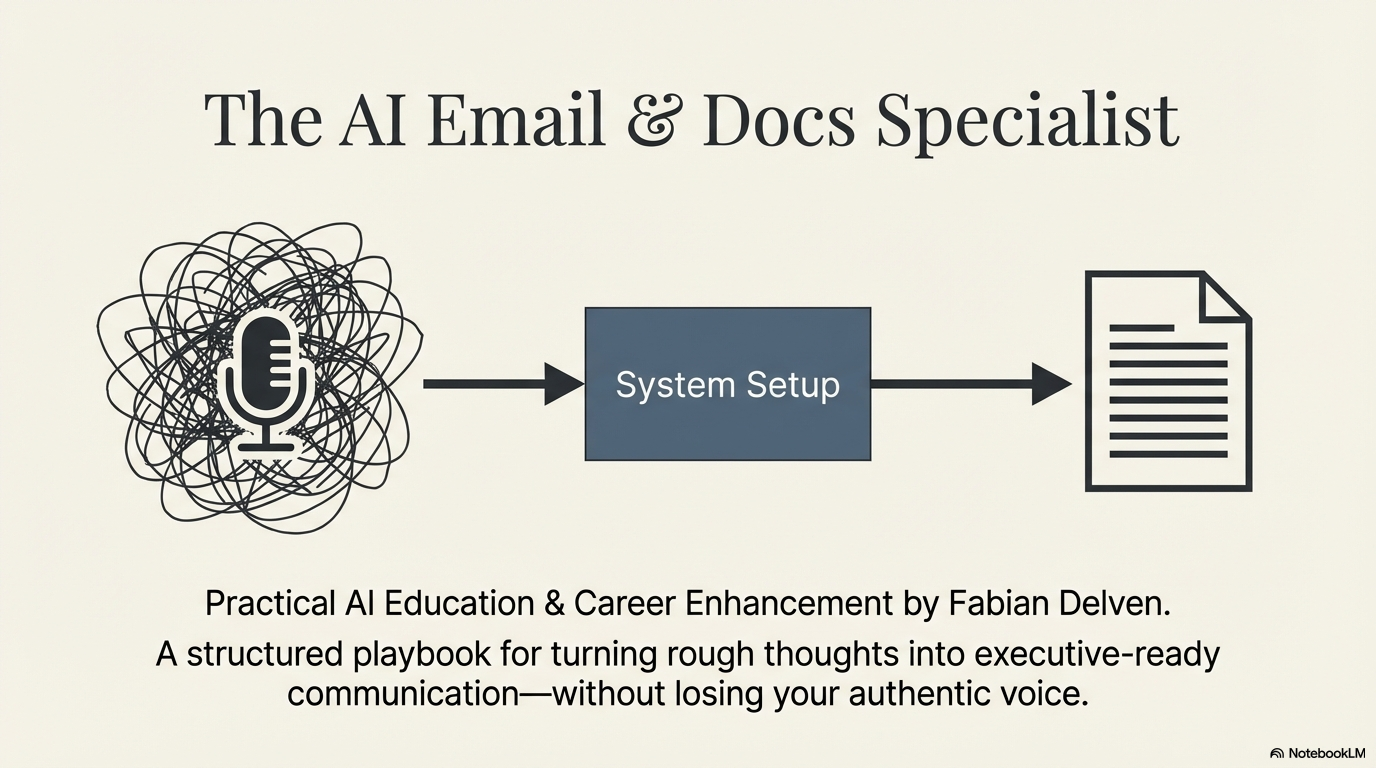
Frontline teams, administrators, customer service staff, managers, and small business owners often know what they need to say but do not have time to organize it cleanly. This prototype turns rough notes into clearer communication while keeping facts, tone, privacy, and human judgment visible.
The workflow is intentionally simple so the reader can see where AI helps and where human review remains in control.
"Customer called twice. Waiting on form. Need update. Do not blame anyone."
Audience, goal, confirmed facts, missing details, risk points, and tone are extracted.
The user checks owner, timing, privacy, assumptions, and intent before sending.
A clear message with review notes for anything unresolved.
The prototype is built around guardrails, not blind automation. It improves structure and tone, but it does not become the final authority.
No names, dates, decisions, policy claims, or outcomes are added unless the user provided them.
The draft can clarify the message, but it cannot change the user's position or overpromise.
Sensitive details, internal notes, and unnecessary personal information are flagged for removal.
Check whether the draft says what the user meant.
Confirm facts, owner, dates, timing, and next steps.
Edit, send, or route for manager review.
Each example shows messy input and the clearer output direction. The goal is practical workplace communication, not decorative AI writing.
Need email to manager. Customer called again. Waiting on another department. Need to say we are working on it. Do not blame anyone. Maybe mention Friday?
Subject: Customer application follow-up

Hi [Manager Name],

The customer has followed up again. Based on the information I have, the next step depends on a pending item from another department.

Can you confirm who owns that item and whether Friday is the correct timing to reference?

Once confirmed, I can send a clear customer update and document the next action.
Customer upset. Says nobody replied. We did reply last week maybe not clear. Need apologize but not admit mistake. Ask for account number. Keep calm.
Subject: Follow-up on your request

Hi [Customer Name],

Thank you for following up. I understand how frustrating it can be to wait for a clear update.

Could you send your account number or case ID so I can check the status accurately? Once I have that, I can review the record and confirm the next step.
Need summarize meeting. Current intake form creates duplicate work. Need decision from ops lead. Maybe pilot new form with two teams. Risks: training, old data, confusion.
Decision needed: Intake form pilot

The current intake form appears to create duplicate work across teams. One option is to pilot a revised form with two teams before wider rollout.

Recommendation:
Approve a limited pilot once the participating teams, training needs, and data transition steps are confirmed.
This final sample shows the expected quality: clear subject, respectful tone, confirmed facts, missing details, and a review note.
Hi [Manager Name],
I wanted to share a quick update on the customer follow-up. The customer has contacted us twice, and the next step depends on confirming the pending form owner and expected timing.
Before I respond, can you confirm who owns the pending item and whether Friday is the correct deadline to reference?
ClearPath can turn this prototype into a practical service for teams that need clearer emails, summaries, follow-ups, approvals, and documentation under pressure.
A paid service to map repeated communication pain points, design safe AI prompts and templates, create review rules, and deliver a small workflow teams can test.
Designed to move common workplace messages toward a 5-8 minute review workflow.
Missing owners, timing, assumptions, and decisions are surfaced before sending.
The system shows what AI suggested and what the user must verify.
ClearPath AI work is not about hype. It is about helping real people communicate with more confidence, clarity, and care inside complicated conditions.